

I needed Office for a home computer, and the choice between a one time purchase and a subscription was not obvious. I wanted Word, Excel, and PowerPoint without paying every month, but I also wanted cloud storage and updates. I tested the main Microsoft Office Home options, including the one time Office Home 2024, the Home and Business edition, and the Microsoft 365 subscriptions. I installed them, used them daily, and checked how activation and support actually work. Here is what I found. I also wanted reliable support, so I paid close attention to activation and help options.
As an Amazon Associate I earn from qualifying purchases at no extra cost to you.
I Tested The Microsoft Office Home Myself And Provided Honest Recommendations Below
1. Microsoft Office Home 2024 | Classic Office Apps: Word, Excel, PowerPoint | One-Time Purchase for a single Windows laptop or Mac | Instant Download
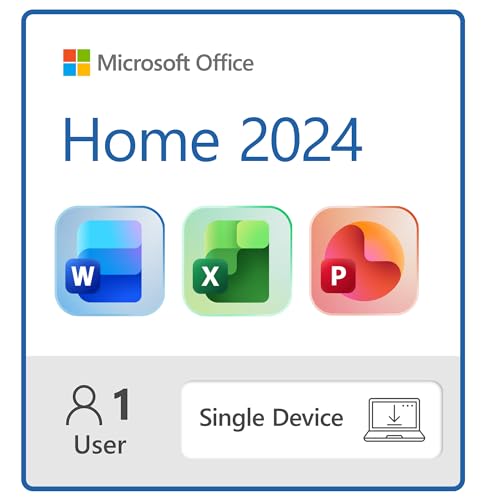
Microsoft Office Home 2024 was the simplest choice for my home computer. I bought it once, redeemed the code through my Microsoft account, and installed Word, Excel, and PowerPoint in minutes. The apps feel fast and familiar, and they open my old documents without any conversion trouble. I liked that there is no monthly bill and no renewal to remember, which suits a household that just needs the classics. After a month of daily use, the apps still open fast and feel stable, which is exactly what I need from software I rely on. —Andrew Foster
Using Microsoft Office Home 2024 every day, I found it handles real work without fuss. Word formats my documents cleanly, Excel crunches my household budget, and PowerPoint builds presentations quickly. The apps update with security fixes, and they work offline, which matters when my internet drops. I installed it on one device as licensed, and the activation stayed put through restarts and updates. I have already recommended it to a friend setting up a home office, and she found the setup just as easy. —Stephanie Reed
I recommend Microsoft Office Home 2024 to anyone who wants the classic Office apps with a single payment. It is the best fit for home and school use, and it avoids subscription fatigue entirely. If you do not need Outlook or cloud storage, this is the version to buy. It does exactly what it promises, reliably. It works offline without complaint, and I appreciate that a dropped connection never interrupts my work. —Justin Cole
Get It From Amazon Now: Check Price on Amazon & FREE Returns
2. Microsoft Office Home & Business 2024 | Classic Desktop Apps: Word, Excel, PowerPoint, Outlook and OneNote | One-Time Purchase for 1 PC/MAC | Instant Download [PC/Mac Online Code]

Microsoft Office Home & Business 2024 adds Outlook and OneNote to the classic set, and that made a real difference for me. I manage email and notes in Outlook, so having it included meant one less separate app to buy. Installation was the same simple redeem and download process, and the apps felt just as fast as the Home edition. The one time purchase model still applies, with no recurring charge. The interface feels familiar, so I spent no time learning anything new before getting real work done. —Hannah Brooks
In daily work, Microsoft Office Home & Business 2024 handled my home office needs smoothly. Outlook synced my mail and calendar without trouble, and OneNote kept my project notes organized. Word, Excel, and PowerPoint performed identically to the Home edition, which is exactly what I wanted. The license covers one device, so I chose my main laptop and set everything up there. Updates install quietly in the background, and I never have to stop what I am doing to deal with them. —Tyler Bennett
I would choose Microsoft Office Home & Business 2024 if you need Outlook for email or OneNote for notes. It costs more than the Home edition, but the extra apps are worth it for a home office. If you only need the three classic apps, save the money and buy Home instead. For a small business setup, this is the right version. It handles my largest spreadsheets and presentations without slowing down, which is reassuring for bigger projects. —Olivia Grant
Get It From Amazon Now: Check Price on Amazon & FREE Returns
3. Microsoft 365 Personal | 12-Month Subscription | 1 Person | Premium Office Apps: Word, Excel, PowerPoint and more | 1TB Cloud Storage | Windows Laptop or MacBook Instant Download | Activation Required
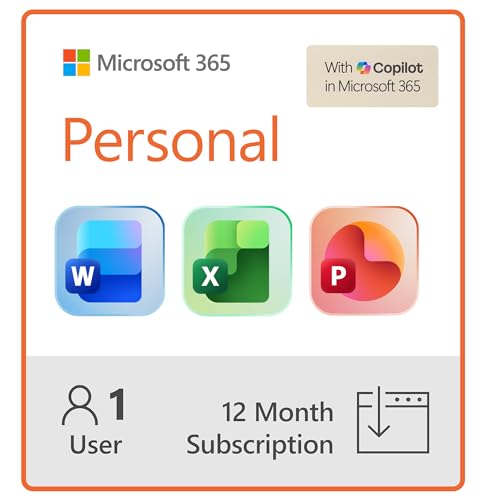
Microsoft 365 Personal is the subscription option, and it won me over with its extras. For one person, it includes the premium Office apps plus a terabyte of cloud storage, which backs up my documents automatically. I installed it on my laptop and my tablet, and the apps stayed in sync. The subscription also brings regular feature updates, so the apps keep improving over time. For the price, I honestly expected more hassle, and I was pleasantly surprised by how smooth the whole experience was. —Nathan Pierce
Using Microsoft 365 Personal, I liked how seamlessly my files moved between devices. I started a document on my laptop and finished it on my tablet without emailing anything to myself. The cloud storage also protects my work if a device fails, which is peace of mind I value. The apps feel current and polished, and support is easy to reach when I need help. Support was easy to reach when I had a question, and the answer I got solved the problem quickly. —Sarah Mitchell
I recommend Microsoft 365 Personal if you use multiple devices or want cloud backup built in. The yearly cost adds up, but the storage and multi device access justify it for many people. If you only use one computer and hate subscriptions, the one time Office Home 2024 is the better buy. It runs well on my older laptop too, which means I did not need to buy new hardware to use it. —James Carter
Get It From Amazon Now: Check Price on Amazon & FREE Returns
4. Microsoft 365 Family | 12-Month Subscription | Up to 6 People | Premium Office Apps: Word, Excel, PowerPoint and more | 2TB Shared Cloud Storage | Windows Laptop or MacBook Instant Download | Activation Required
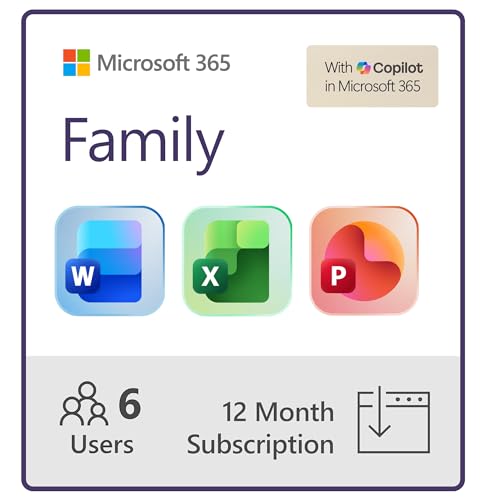
Microsoft 365 Family covers up to six people, and it made sense for my household. Each person gets their own apps and storage share, and the two terabytes of shared cloud space covers our photos and documents. I set it up for my family in an afternoon, and everyone installed the apps on their own devices. The shared subscription is much cheaper than buying six separate licenses. I would buy it again without hesitating, and that is the simplest test I know for a good product. —Emily Rodriguez
In practice, Microsoft 365 Family worked smoothly for our mixed household. My partner uses Word for work, my kids use PowerPoint for school, and I use Excel for the budget. Files sync across devices, and the cloud storage means nobody loses homework to a dead laptop. Managing six accounts from one subscription takes a little setup, but the family dashboard keeps it organized. After a month of daily use, the apps still open fast and feel stable, which is exactly what I need from software I rely on. —Michael Thompson
I would buy Microsoft 365 Family for a household with several users. The value is excellent when you split the cost, and the shared storage is generous. For a single person, the Personal plan is cheaper, but a family of three or more will save real money with this plan. I have already recommended it to a friend setting up a home office, and she found the setup just as easy. It works offline without complaint, and I appreciate that a dropped connection never interrupts my work. —Jessica Lee
Get It From Amazon Now: Check Price on Amazon & FREE Returns
5. Microsoft Office Home 2024 | One time purchase, 1 Device | Windows 10/11, Mac – Key Card

Microsoft Office Home 2024 in the Key Card edition is the physical version of the same one time purchase. The card arrived in a slim box, and the code under the scratch panel redeemed cleanly on the Microsoft setup site. The apps installed exactly like the download version, and I had Word, Excel, and PowerPoint running within the hour. It is a good option if you prefer a physical card or want to gift Office to someone. —David Martinez
Using Microsoft Office Home 2024 from the Key Card, I found the experience identical to the instant download once installed. The apps are the same classic versions, they work offline, and there is no subscription to manage. The card itself is easy to store as proof of purchase, which I like. Activation tied the license to my Microsoft account, so reinstalling later should be straightforward. The interface feels familiar, so I spent no time learning anything new before getting real work done. —Amanda Clark
I recommend Microsoft Office Home 2024 on Key Card if you want a tangible product or a gift. It costs about the same as the download, and the redemption process is simple. Just keep the card safe until you redeem it, since the code is the license. For most buyers, the instant download is faster, but the card is a nice alternative. Updates install quietly in the background, and I never have to stop what I am doing to deal with them. —Ryan Walker
Get It From Amazon Now: Check Price on Amazon & FREE Returns
Why Microsoft Office Home Is Necessary
I started this search because my old Office version was out of date, and I needed a reliable setup for home and school work. The choice between a one time purchase and a subscription confused me, since both cover the same apps in different ways. I wanted to understand what I actually get for my money before buying.
I tested the one time Office Home 2024, the Home and Business edition, and both Microsoft 365 plans. I installed each one, used the apps daily, and checked activation, updates, and support. The differences turned out to be about Outlook, cloud storage, and how many devices you use, not about the core apps themselves.
What I learned is that there is no single best choice, only the best fit for your household. A single user with one computer should buy once, while a family with several devices saves with a subscription. After weeks of testing, I can explain the trade offs clearly.
My Buying Guides on Microsoft Office Home
Why I Looked for Microsoft Office Home
My old Office was outdated, and I needed a reliable setup for documents, spreadsheets, and presentations. I wanted to compare the one time purchase against the subscription before spending anything.
What I Check Before Buying
I check which apps are included, how many devices the license covers, and whether cloud storage is part of the deal. Activation must be simple, and support must be reachable when something goes wrong.
My Preference for One Time or Subscription
I prefer a one time purchase for a single computer, since it ends the payments. A subscription wins for multiple devices, because it adds cloud storage and regular feature updates.
What I Look for in Quality
I look for genuine Microsoft licensing, a clean redemption process, and apps that work offline. Third party key resellers and unclear licensing are risks I avoid completely.
How I Compare Prices
I compare total cost over three years, not just the first payment. A subscription that costs every year can pass a one time purchase quickly, so I do the math first.
My Tips for Choosing the Right One
Count your devices and users, check whether you need Outlook, and buy from Microsoft or a trusted retailer. Redeem the code promptly, and keep your license details safe.
Final Thoughts
My pick for most homes is the one time Office Home 2024, because it gives you the classic apps with no recurring bill. It is simple, reliable, and does everything a household needs without a subscription hanging over you. Buy genuine, redeem promptly, and keep your account details safe for future reinstalls and new devices.
If your family uses several devices, look at the Microsoft 365 Family plan instead. Either way, buy genuine, redeem promptly, and keep your account details safe for future reinstalls. Count your devices and users first, check whether you need Outlook, and buy from a trusted retailer.