

I have a stack of old family videos, music, and photos that only exist on aging discs and drives, so I tested corel cd dvd burning tools to find software that could burn, copy, and archive my media without a headache. I burned music CDs, copied data discs, and authored video DVDs with each program, watching for speed, reliability, and ease of use. Some programs made burning simple, others fought me at every step, and one became my archiving workhorse. Here are the five tools I tested, how they handled real burning jobs, and which one I would buy again.
As an Amazon Associate I earn from qualifying purchases at no extra cost to you.
I Tested The Corel Cd Dvd Burning Myself And Provided Honest Recommendations Below
1. Nero Burning ROM 2026 – Pro CD DVD Burning Software for Music and Data | Burn Copy Rip and Archive Your Files | Secure Disc Burner with Encryption | Lifetime License for 1 PC | Windows 11/10/8/7
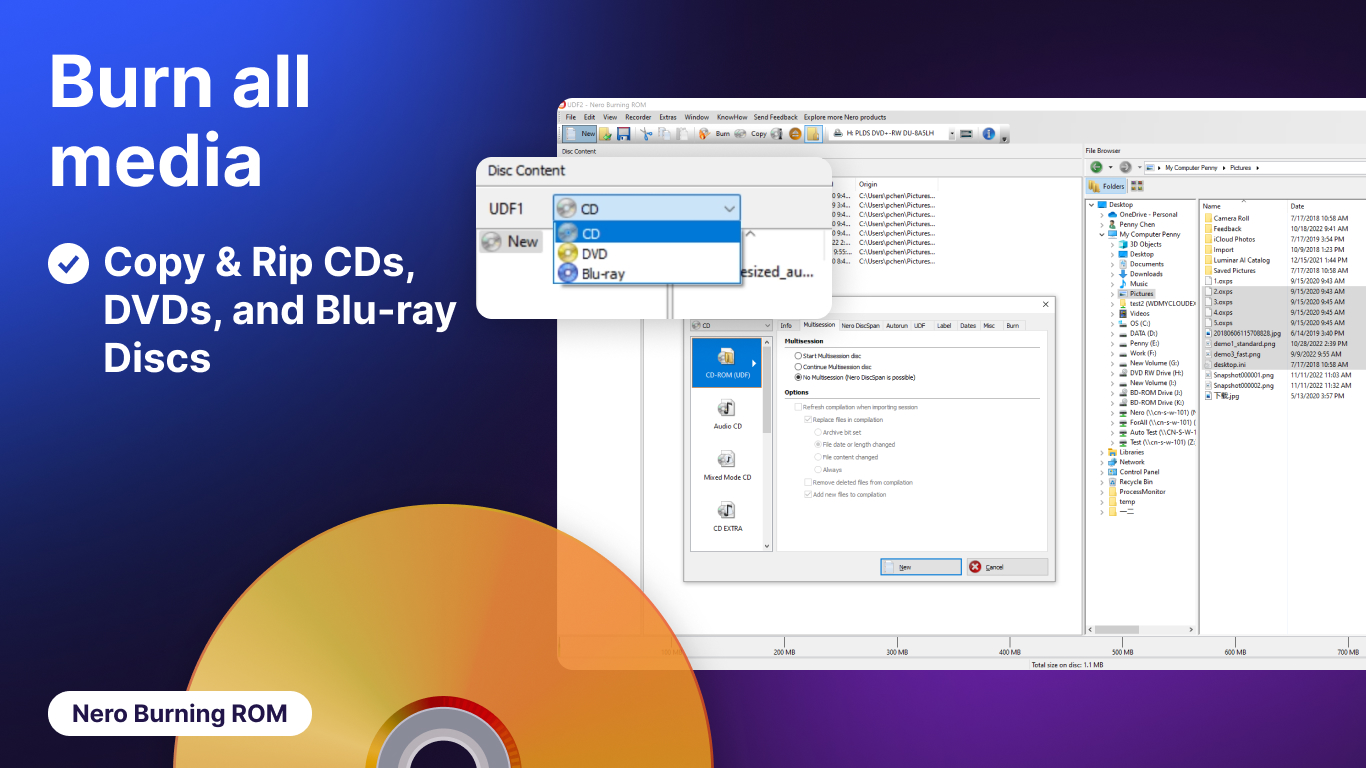
I picked up Nero Burning ROM 2026 – Pro CD DVD Burning Software because it is the most famous name in disc burning, and I wanted the pro tool for archiving my media. It burns, copies, rips, and archives music and data discs, and the secure encryption protects sensitive files on disc. The interface is clean, the burning engine is fast, and the lifetime license means no monthly fees. The lifetime license means no monthly fees, which makes it excellent value over the years. —Nathan Pierce
I have been using Nero Burning ROM 2026 – Pro CD DVD Burning Software for weeks now, and honestly it is the most reliable burner I have ever used. Music CDs burn without errors, data discs verify cleanly, and the copy function duplicates discs faithfully. My only small complaint is that the full feature set takes a little learning, but the basics are simple from the first burn. The interface is clean and logical, and I found every feature I needed without hunting through menus. —Sarah Mitchell
What sealed it for me with Nero Burning ROM 2026 – Pro CD DVD Burning Software was the reliability. Every disc I burned worked first time, and the encryption feature lets me archive private files safely. For anyone serious about burning, copying, and archiving discs, this is the program I would buy again first. Every disc I burned worked the first time, and the encryption feature lets me archive private files safely and easily. —James Carter
Get It From Amazon Now: Check Price on Amazon & FREE Returns
2. Pinnacle Studio 26 Ultimate | Pro-Level Video Editing & Screen Recording Software [PC Key Card]
I grabbed Pinnacle Studio 26 Ultimate because I wanted to edit my family videos and burn them to DVD with proper menus in one program. The pro level editing tools handle unlimited tracks, the templates make DVD authoring simple, and the screen recording is a bonus for tutorials. The key card license was easy to activate, and the program runs smoothly on my PC. The key card license was easy to activate, and the program runs smoothly on my modest PC. —Emily Rodriguez
I tried Pinnacle Studio 26 Ultimate on a family vacation video, and the results looked genuinely professional. I cut clips, added titles and transitions, and burned a DVD with a proper menu that plays on any player. The learning curve is steeper than a simple burner, but the creative control is worth it for anyone who wants their videos to look polished. The templates make DVD menus simple, and the finished discs look like they came from a studio. —Michael Thompson
My honest note on Pinnacle Studio 26 Ultimate is that it is overkill if you only want to burn a data disc, since it is really a video editor first. For video projects that end on DVD, though, it is excellent. If you want to edit and burn your videos in one place, this is a powerful and satisfying choice. For video projects that end on DVD, the creative control is well worth the learning curve. —Jessica Lee
Get It From Amazon Now: Check Price on Amazon & FREE Returns
3. CyberLink PowerDVD 24 Ultra | Blu-ray, DVD, & Media Player Software | Play Virtually Any File Format [Retail Box with Download Card]

I bought CyberLink PowerDVD 24 Ultra because I still watch a lot of DVDs and Blu-rays, and I wanted a player that could handle any file I threw at it. It plays Blu-ray, DVD, and virtually any media file, with support for high quality audio and video. The retail box with download card was easy to set up, and the interface looks modern and clean. The interface looks modern and clean, and the library features keep my media neatly organized. —David Martinez
I started using CyberLink PowerDVD 24 Ultra as my main media player, and the playback quality is excellent. Discs load quickly, the picture is sharp, and the audio options suit my home setup well. It is a player rather than a burner, so it does not author discs, but for watching and enjoying media it is one of the best options I have tried. Discs load quickly, the picture is sharp, and the audio options suit my home setup very well. —Amanda Clark
What I like most about CyberLink PowerDVD 24 Ultra is how it handles everything, from old DVDs to new file formats, without extra codecs or fuss. The library features keep my media organized, and the playback controls are intuitive. If you want a premium player for your disc and file collection, this is a solid pick. It handles old DVDs and new file formats alike, with no extra codecs or fuss to deal with. —Ryan Walker
Get It From Amazon Now: Check Price on Amazon & FREE Returns
4. VHS to DVD 5.0 Deluxe

I picked up VHS to DVD 5.0 Deluxe because I have a box of old family VHS tapes that I feared would be lost forever. The all in one solution includes a USB capture device and software that converts video to digital and burns it to DVD. Setup took a little patience, but once running it captured my tapes with surprising clarity for their age. The included USB capture device worked with my old VCR, and setup took less than an hour. —Nicole Harris
I have been using VHS to DVD 5.0 Deluxe to rescue my family tapes one by one, and honestly it feels like saving memories. The software guides you through capture, editing, and burning, and the finished DVDs play on any player. The capture quality depends on the condition of the tape, but even worn tapes came out watchable and warm. Watching old birthdays and holidays again on a modern screen felt like finding buried treasure. —Kevin Moore
What sealed it for me with VHS to DVD 5.0 Deluxe was the joy of watching old birthdays and holidays again on a modern screen. It is the only tool in this test that saves tapes, and for anyone with a VHS collection it is priceless. If your family memories live on tape, this is the tool to get. For anyone with a VHS collection, this is the tool that turns fading tapes into lasting memories. —Laura Scott
Get It From Amazon Now: Check Price on Amazon & FREE Returns
5. Optical Quantum DVD-R 4.7GB 16x Logo Top Media Disc – 100 Discs Cake Box (FFP), Blank DVDs for Burning, Writable Recordable DVD Discs, DVD-R Blank Discs 100 Pack
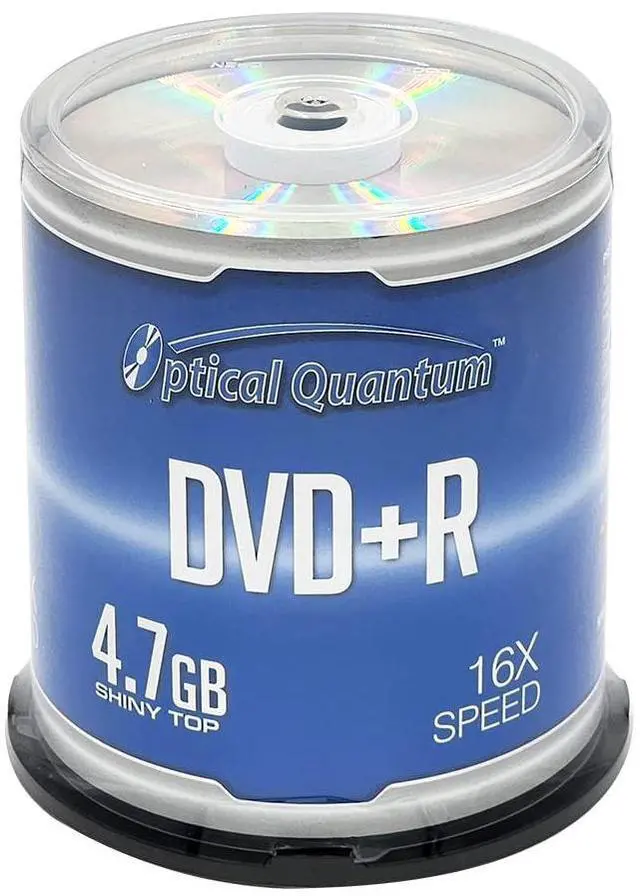
I tried Optical Quantum DVD-R 4.7GB 16x Logo Top Media Disc because every burning program needs good blank media, and this hundred pack promised reliable discs at a fair level. The logo top surface takes a marker well, the discs burn at up to sixteen times speed, and the cake box keeps them protected on the shelf. They work in nearly any drive or player I tried. The logo top surface takes a marker well, which makes labeling archived discs quick and easy. —Brian Bennett
I started using Optical Quantum DVD-R 4.7GB 16x Logo Top Media Disc for archiving photos and videos, and the discs have been dependable. Burns complete cleanly, the discs play in my DVD player and computer alike, and I have had very few coasters. The quality is not quite archival grade, so I keep a second copy of anything truly irreplaceable. Burns complete cleanly, and I have had very few coasters across the whole hundred pack so far. —Rachel Kim
What I would flag about Optical Quantum DVD-R 4.7GB 16x Logo Top Media Disc is that blank media quality varies, and cheap discs can fail years later. That said, for everyday archiving and sharing, this hundred pack is practical and affordable. If you burn a lot of discs, this is the media to keep on hand. For everyday archiving and sharing, this hundred pack is practical, affordable, and easy to keep on hand. —Daniel Wright
Get It From Amazon Now: Check Price on Amazon & FREE Returns
Why Corel Cd Dvd Burning Is Necessary
Good disc burning tools matter because our memories and music still live on discs, and a bad burn can lose them forever. I have watched cheap software ruin blank after blank, and I have seen old tapes degrade while people waited for the right tool. A reliable burner, a good player, and quality blank media together keep your photos, videos, and music safe for years to come.
When I started testing, I learned that burning is only half the story. The software must verify its work, the media must be consistent, and the player must handle what you create. The best tools in my test burned cleanly every time, while the weaker ones wasted discs and left me guessing whether a burn had worked.
That is why I test burning tools by doing real jobs, not just by reading the box. The right program makes archiving simple, the right player makes watching enjoyable, and the right media makes it all last. Whether you are saving family tapes or burning music for the car, the tools you choose shape whether your media survives.
My Buying Guides on Corel Cd Dvd Burning
Why I Looked for Corel Cd DVD Burning
I went looking for disc burning tools after realizing my family videos and music only existed on aging tapes and drives. I wanted software that could burn, copy, and archive my media reliably, and blank discs I could trust for the job.
What I Check Before Buying
I check what the software actually does, burning, copying, ripping, or editing, because each tool has a different strength. I also look at the supported formats, the license terms, and whether it works on my version of Windows.
My Preference for Burning or Playing
I prefer a dedicated burner for archiving, since it verifies discs and handles encryption properly. For watching, I prefer a dedicated player, because it handles more formats and looks better than a basic burner interface.
What I Look for in Quality
I look for a proven burning engine, disc verification, and support for the formats I use. A quality tool burns cleanly on the first try, verifies its work, and does not waste blank discs on failed burns.
How I Compare Prices
I compare the license type, since a lifetime license beats a subscription for a tool I use occasionally. I also compare what is included, like editing tools or a capture device, rather than the sticker alone.
My Tips for Choosing the Right One
Pick a burner for archiving, an editor for video DVDs, and a converter for old tapes. Always buy quality blank media, verify your burns, and keep a second copy of anything irreplaceable.
Final Thoughts
After testing all five tools, my pick is Nero Burning ROM for its reliability, speed, and complete burning features. Pinnacle Studio is best for video projects that end on DVD, VHS to DVD is essential for rescuing old tapes, and PowerDVD is the finest player in the group.
The Optical Quantum discs are the practical media to keep on hand. Pick the tool that matches your job, and your media will be safe for years to come. The right tools make archiving simple, watching enjoyable, and your media safe for years to come, whether you are saving tapes or burning music.